Basic Keyframe Animation Looping
Keyframe animations in Slider Revolution allow you to add advanced movement and effects to layers (text, images, buttons, etc.). Looping animations can draw attention and create dynamic visuals for your slides.
This guide explains how to create a basic keyframe animation loop on a layer.
🎥 Video Guide:
Accessing Animation Options
Throughout this section we will frequently be working with the Animation options in the module editor. Rather than repeatedly direct you to where they are each time you need them, we’ll cover how to access Animation options once, now.
To access animation settings select a layer and go to the Layer Options tab, then the Animation sub-section:
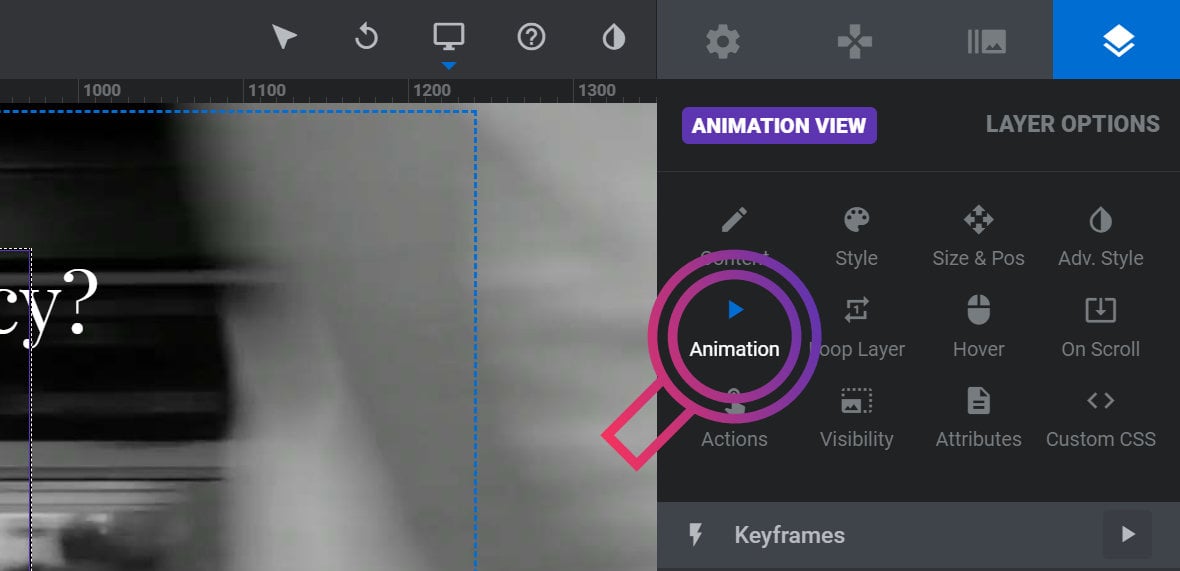
In this sub-section there are three panels we will be learning how to use.
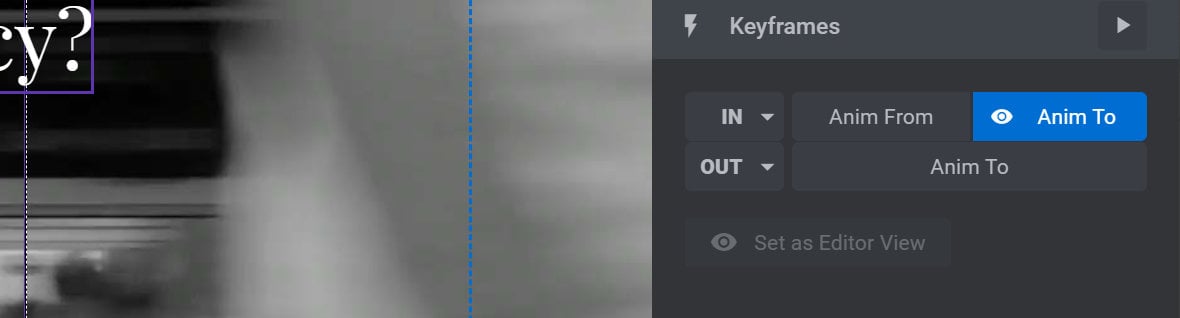
At the top is the Keyframes panel, which controls how many animation strips a given layer has, the animation states they are made up of, and allows you to preview those animations:
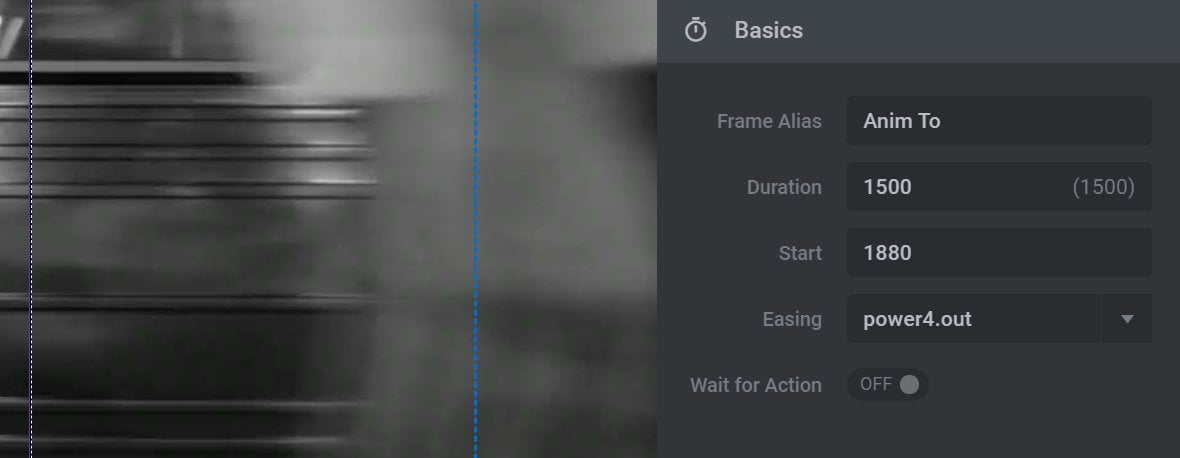
Below that is the Basics panel, which is primarily for controlling animation timing:
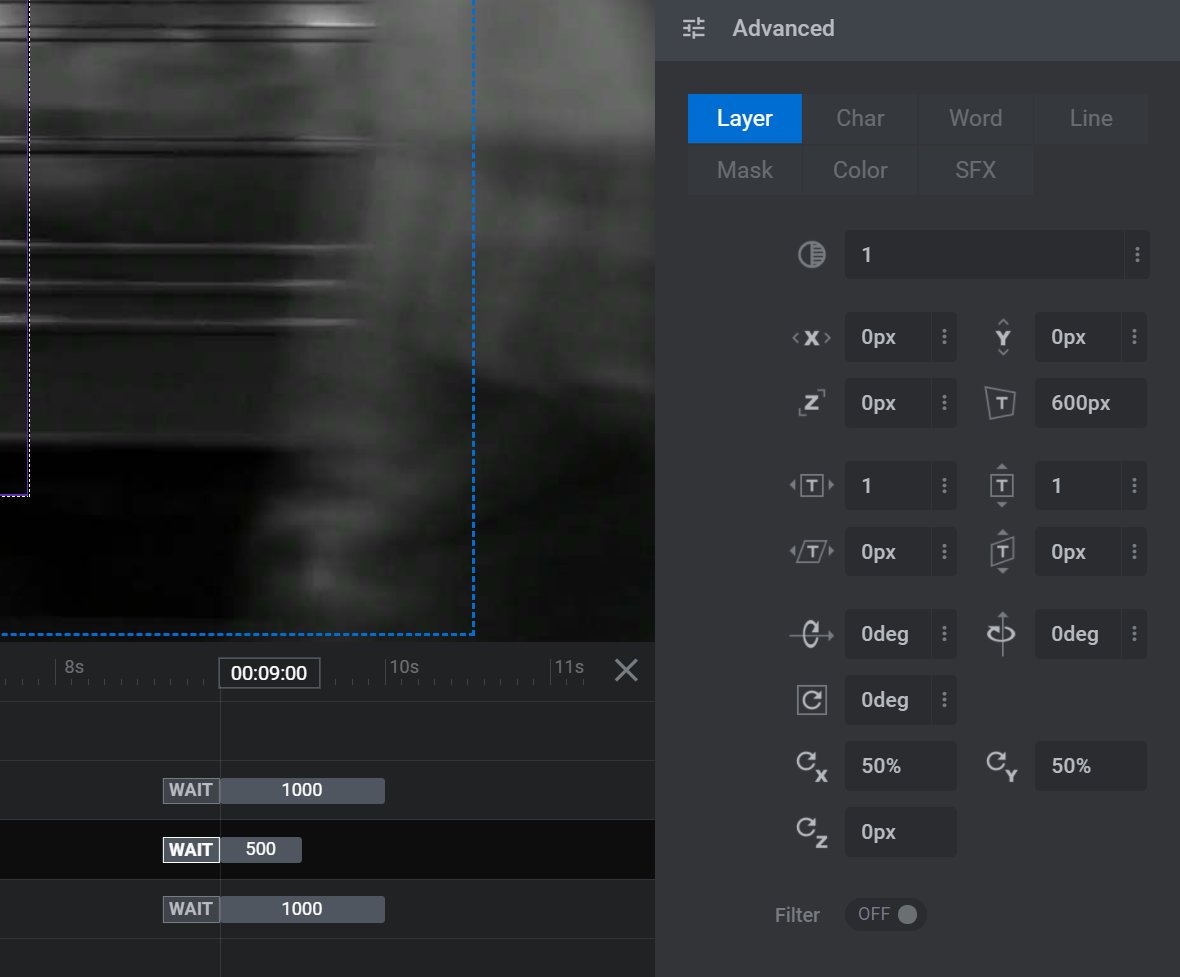
At the bottom is the Advanced panel, which allows you to define how a layer looks at various points throughout its animations:
Updated on: 15/05/2025
Thank you!